Tik Check-in · studio check-in device
Check in with a tap.
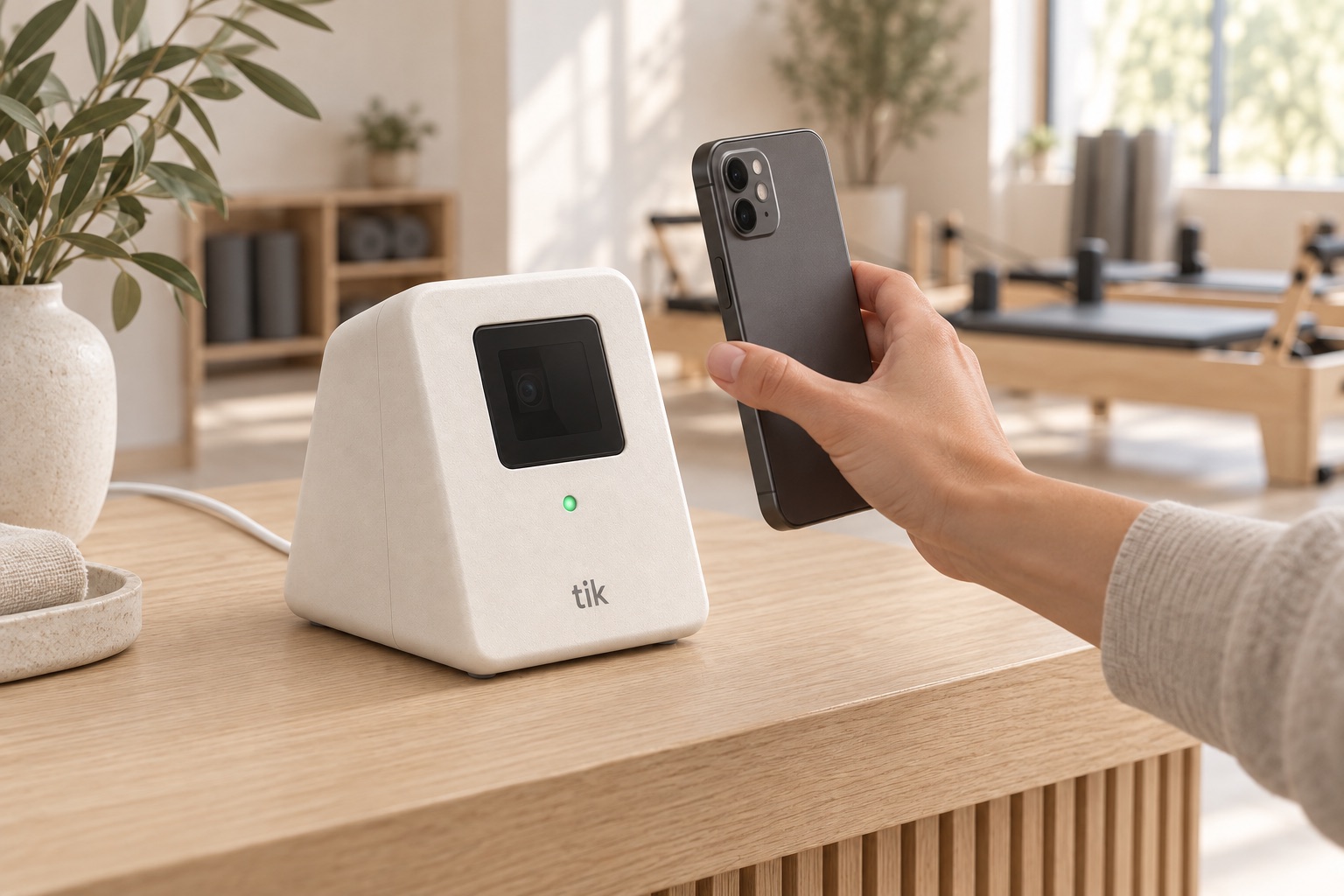
A small device on your counter. Members hold up the pass on their phone, the light turns green, and their attendance is in your booking system. Nobody at the desk, nothing to tap on a tablet.
Eén tik, klaar.
A closer look
Small enough to ignore. Until it turns green.
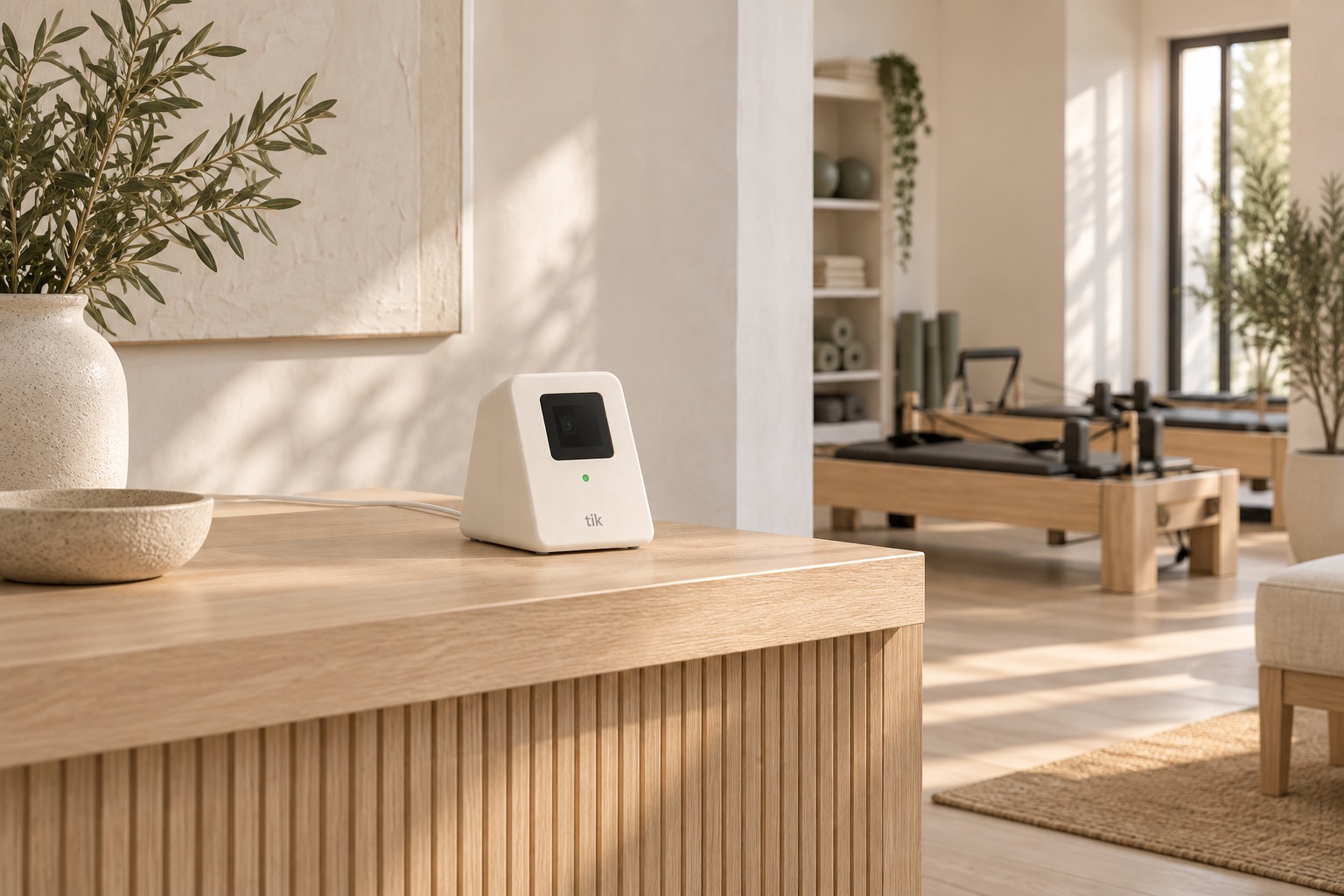
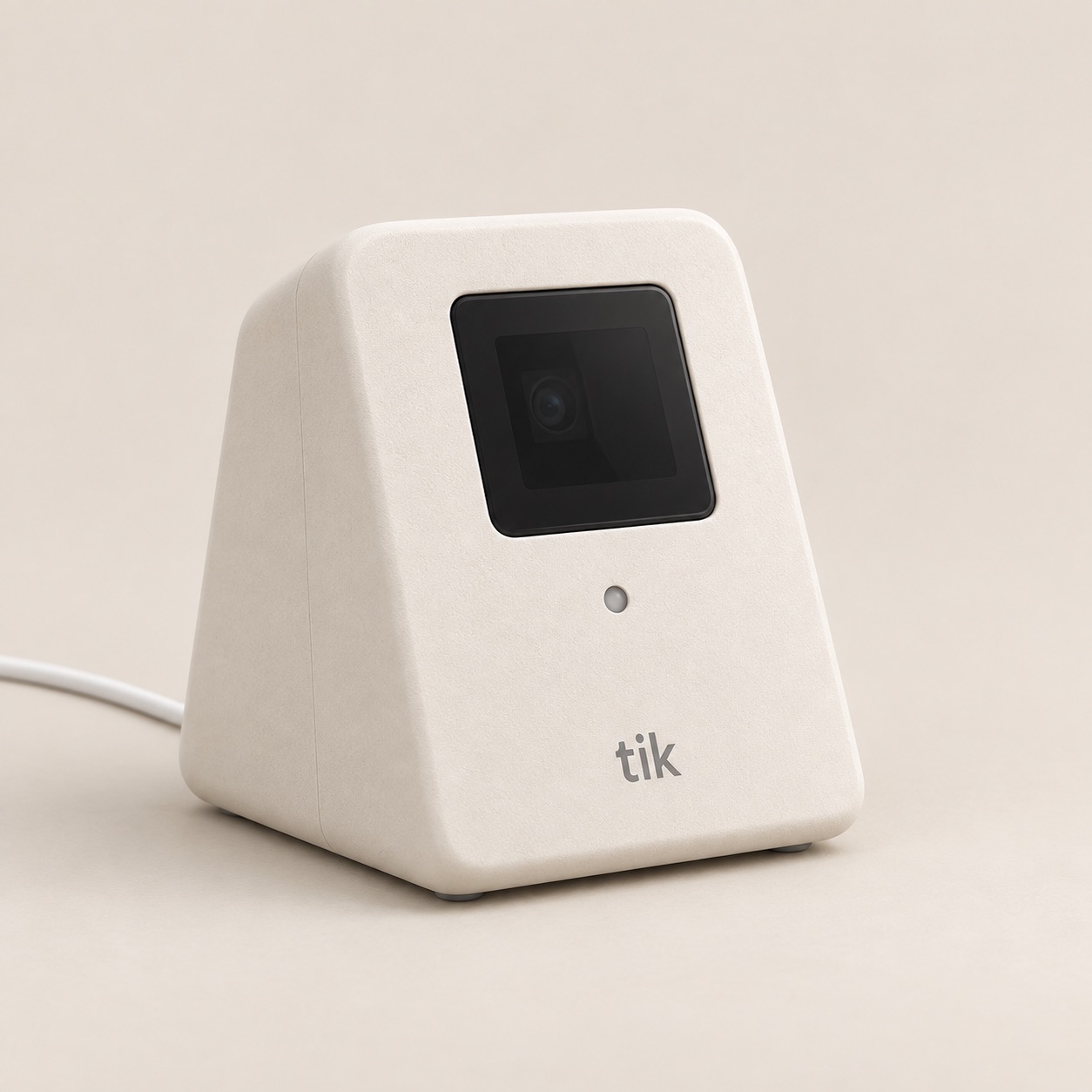
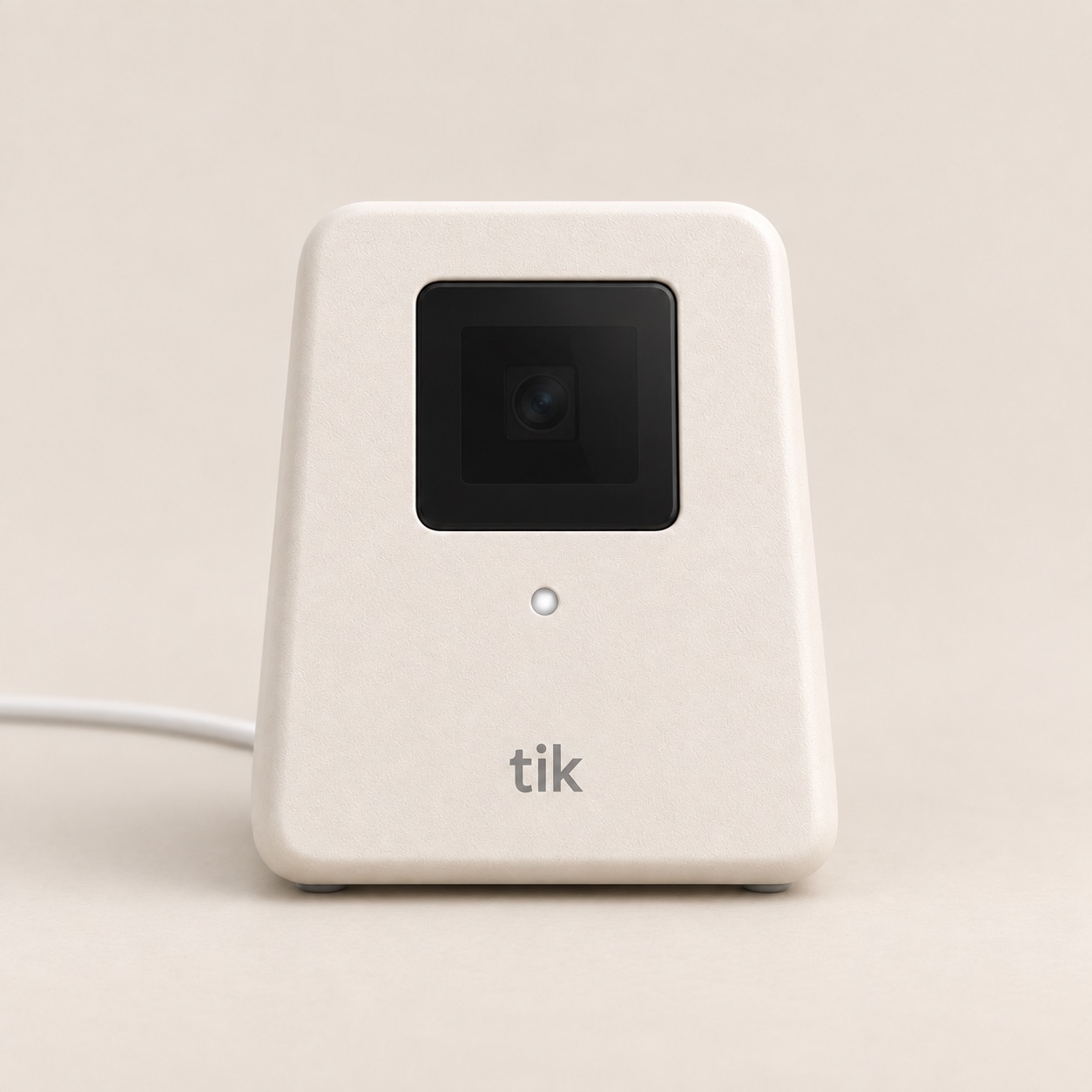
Ten centimetres wide, eleven tall, matte bone, one cable. It sits at the edge of the counter, angled up toward the member.
The window
A 38 mm window over the scanner.
Smoked glass over the optics. It reads a pass on a phone screen or on paper at arm's length, in one pass, no aiming.
The light
One light, four meanings.
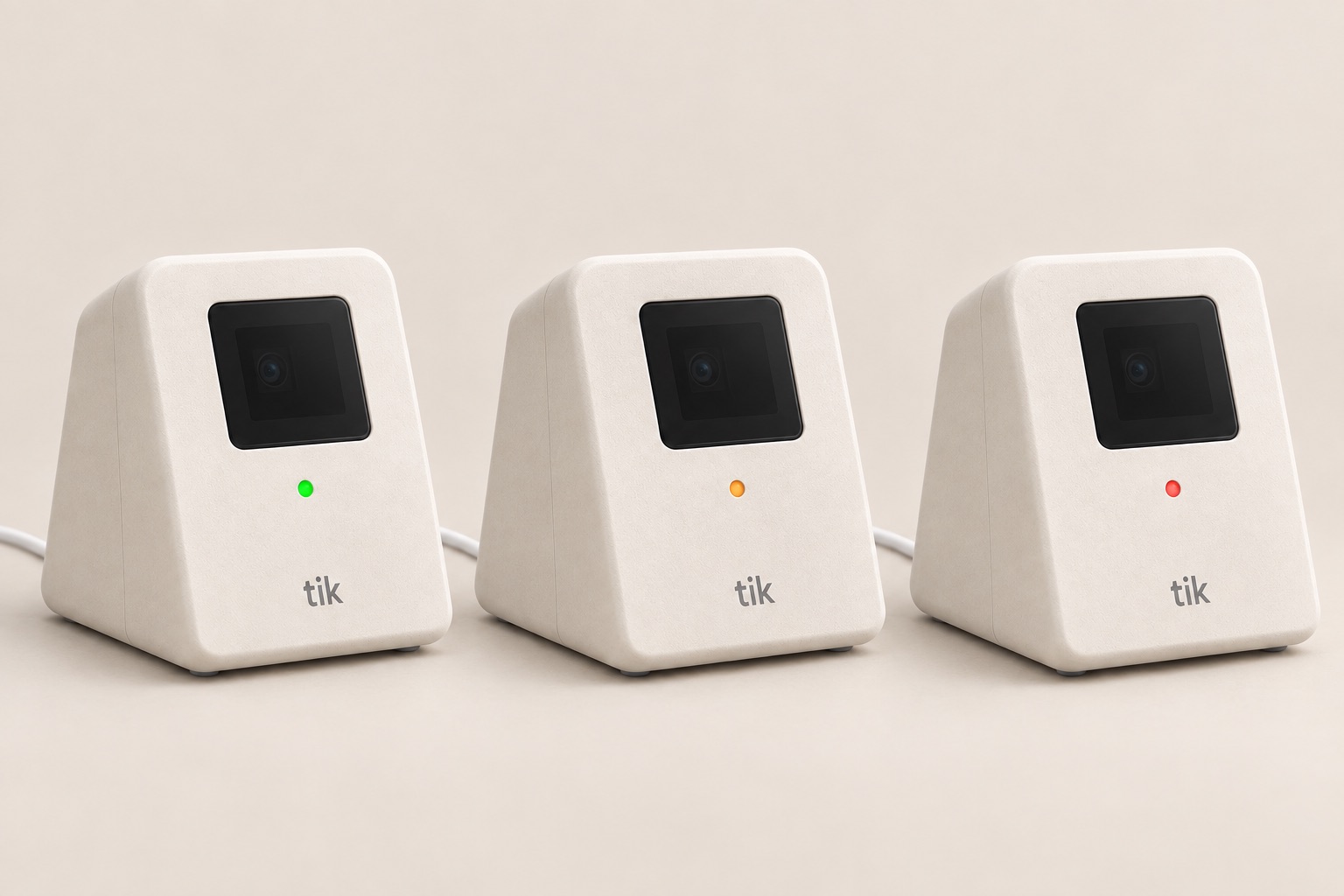
Green only when the studio confirms the attendance was saved. Amber when there is a booking question. Red when the pass is not one of yours.
Power
USB‑C in, Wi‑Fi out.
Power comes in through one cable at the back. Everything else travels over your Wi‑Fi. No hub, no tablet, nothing else on the counter.
How it works
One second, in the right order.
Tik does not decide anything on its own. It asks your booking system and shows you the answer.
-
1 · Member
Holds up their pass
Every member already has a pass in your studio app, and in Apple or Google Wallet. It is a QR code. No card to hand out, no app for the device.
-
2 · Tik
Asks your booking system
Over your Wi‑Fi, Tik sends the code to your studio. The studio finds the booking closest to now and marks it attended. The device keeps nothing.
-
3 · Light
Turns green
Green means one thing: the studio confirmed the attendance was saved. Not that a code was read. If anything is off, the light says so instead.
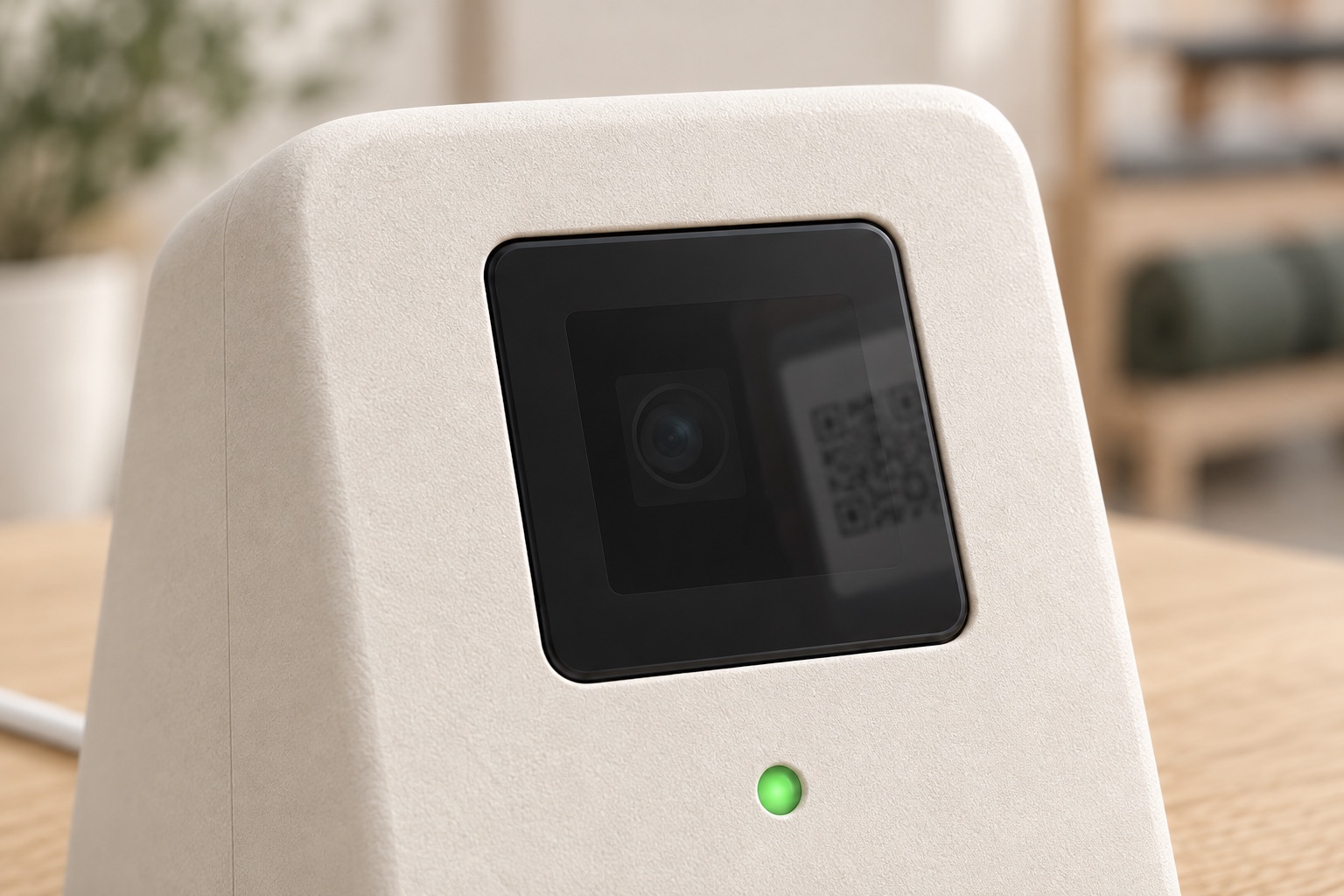
The scanner's own beep is not a confirmation. Only the studio's answer is. That is why the light waits for it. Design rule number one, from the first day of the project.
The light
Four colours, no screen to read.
A member sees the answer from across the counter. Staff know when to step in.
- ReadyFaint white. Connected to your studio and waiting for a pass.
- Checked inGreen for three seconds with a short chime. Attendance is recorded. A second scan of the same pass stays green, without the chime.
- Not yetAmber. Too early for the booking, or no booking for this member right now. The member checks with staff.
- Unknown passRed. The code is not one of your members'.
If the Wi‑Fi drops, the light blinks amber and Tik records nothing until it is back. It never guesses.
For studios on Kadenca
Set up from your Settings page.
Pair it with a QR code
Open Settings, Check-in kiosk, Pair a device, and hold the code up to Tik. It belongs to your studio from then on. Unpair it from the same page whenever you like.
Same rules as your front desk
Tik uses the same check-in your staff use on a tablet today. Which booking gets marked, and when a member is too early, is decided by your studio, not by the device.
Nothing stored on the counter
No member data lives on the device. It holds your Wi‑Fi details and a key to your studio, and both can be wiped in a second.
The device
Small, quiet, one cable.
| Size | 10 × 11 × 9 cm, about a coffee mug |
|---|---|
| Reads | Passes on phone screens and printed passes, 1D and 2D codes |
| Connects | Wi‑Fi 2.4 GHz, encrypted to your studio |
| Power | USB‑C, 5 V. The cable is the only connection |
| Shows | One status light, one soft chime. No screen |
| Sits | On the counter, angled toward the member |
| Made by | Srlaya, the Netherlands |
Pilot
The first units go to a handful of studios this autumn.
We are placing Tik in a small number of studios in the Netherlands that run on Kadenca. You get the device, we get to see it on a real counter. If it does not earn its place in eight weeks, send it back.
Write to us with the name of your studio and roughly how many check-ins you see on a busy day.
[email protected]Pilot terms
- One Tik included, paired to your studio
- Additional devices from €99 each
- Replacement if it fails, no questions
- Cancel at the end of any month
Pilot pricing. Final pricing is set with the pilot studios.